
Download Hot Spot Studio – luminous images, light points, canvas, render button, BMP format
Overview
Hot Spot Studio is a specialized mobile application designed to simplify the creation of luminous images through an interactive canvas-based interface. The app enables users to generate visually striking light effects by placing and adjusting light points directly on a digital canvas. This functionality is particularly useful for artists, designers, and hobbyists seeking to explore creative lighting concepts quickly and intuitively. The app’s primary purpose lies in visualizing light dynamics with minimal effort, making it ideal for concept sketches, mood boards, or digital art experimentation.
Target users include individuals interested in digital art, lighting design, or visual storytelling who appreciate fast, responsive tools for generating abstract light-based imagery. Although the app was released in 2010, its core concept remains relevant in an era where visual content dominates digital communication. The developer, Hot Spot Studio, has not provided additional background information, leaving the app’s origins and development history largely undocumented. However, its continued presence on Android suggests a stable, functional design that has endured through years of platform evolution.
Real-world applications include rapid prototyping of lighting scenarios for creative projects, educational demonstrations of light behavior, or personal artistic expression. Within the mobile app ecosystem, Hot Spot Studio occupies a niche role as a lightweight utility focused on a single, specific creative task. Despite its simplicity, it offers a focused experience that avoids feature bloat, appealing to users who value efficiency and direct control over visual outcomes.
Key Features & Functionality
- Simple User Interface: The app features a clean, minimal layout that prioritizes ease of access. Users can begin creating luminous images immediately after opening the app, with no complex setup or tutorials required. The interface is optimized for touch interaction, allowing intuitive manipulation of light points without requiring prior technical knowledge.
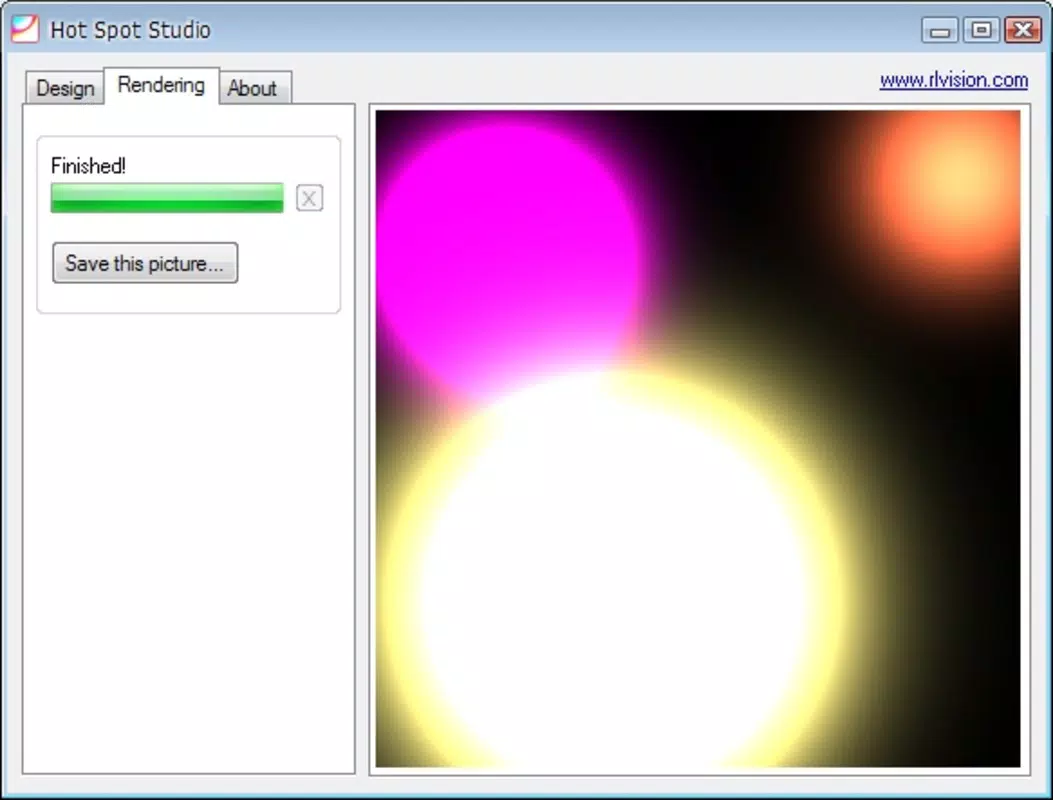
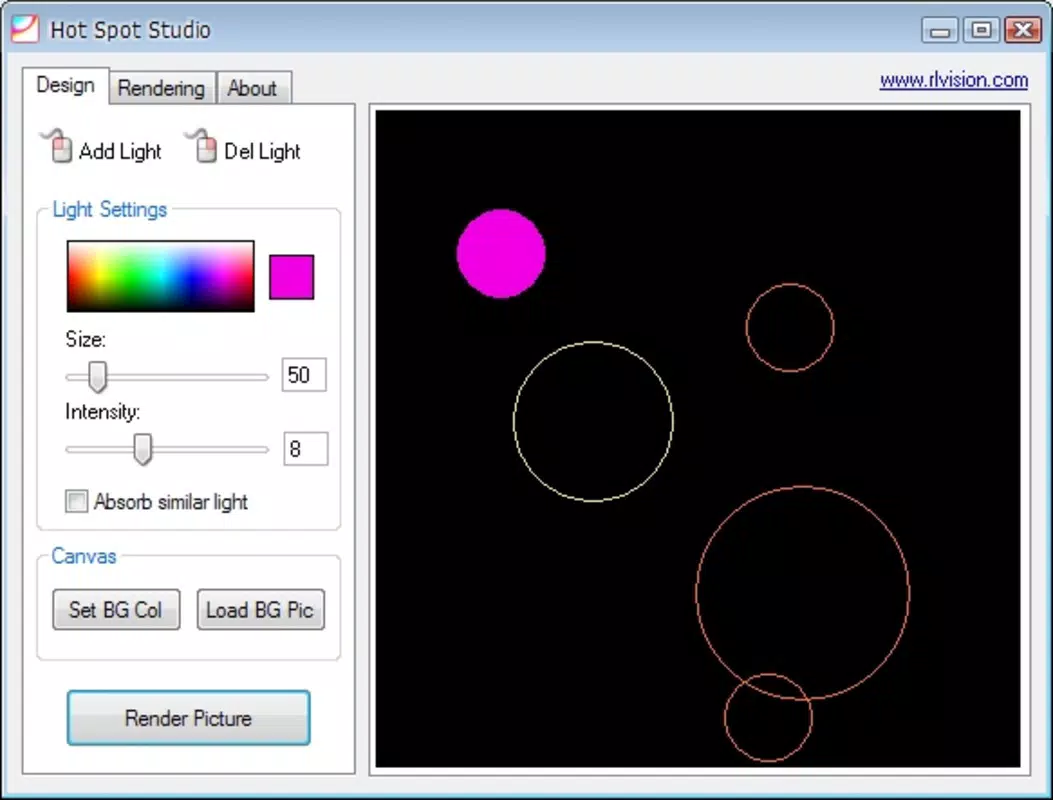
- Customizable Light Points: Two distinct light points can be placed on the canvas, each with independent color selection. This allows users to simulate complex lighting interactions, such as overlapping light sources with different hues, enabling a wide range of visual effects from subtle glows to dramatic contrasts.
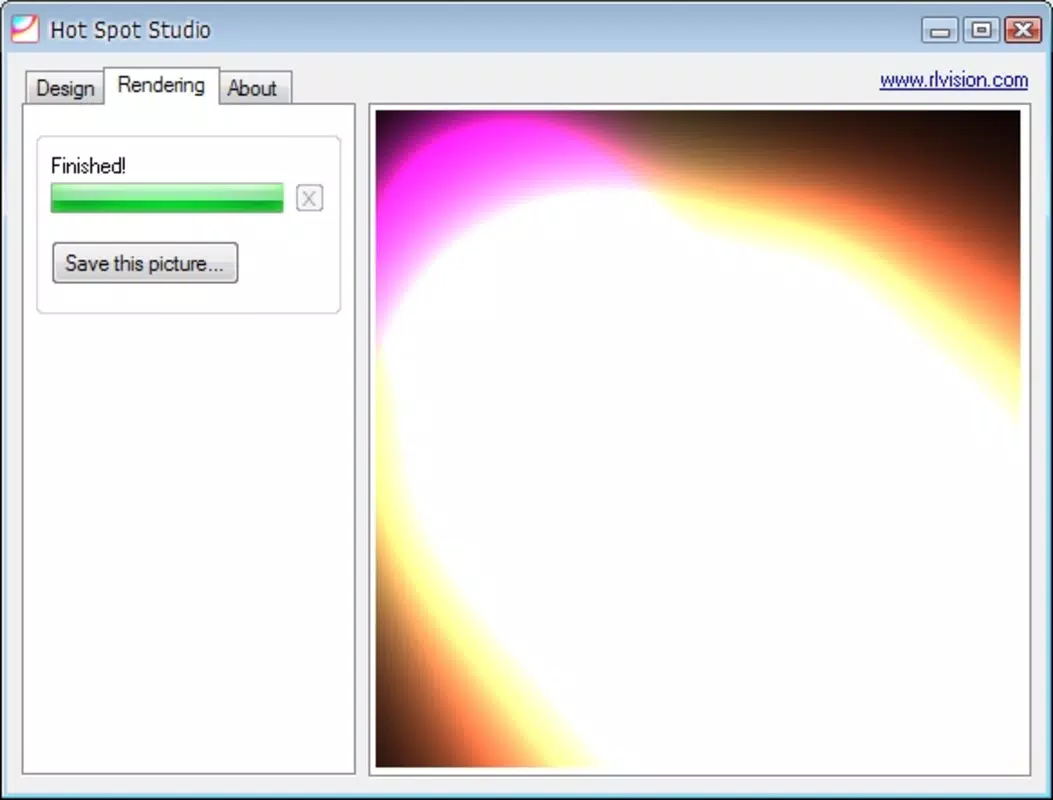
- Quick Rendering Time: A single render button triggers image generation within seconds. This near-instant feedback loop supports rapid iteration, allowing users to experiment with multiple configurations and immediately view the results. The efficiency enhances the creative process, particularly for users who need to produce multiple variations quickly.
- Limited Output Format: All generated images are saved in BMP format. While BMP supports high-quality, uncompressed images, the lack of support for more common formats like JPEG or PNG may restrict sharing and integration with other tools or platforms that require smaller file sizes or web-friendly formats.
For example, a digital artist might use Hot Spot Studio to test how two colored light sources interact in a scene before transferring the concept to a more advanced design tool. Similarly, a student studying light behavior could use the app to visualize how different colors and positions affect overall illumination. The app’s limited scope ensures a streamlined workflow, though users should be aware of the output constraint when planning their projects.
Interface, UX & Performance
The interface of Hot Spot Studio is designed with simplicity and functionality in mind. The canvas occupies the central area of the screen, surrounded by minimal controls, including the render button and color selection tools. Navigation is direct and tactile, relying on drag-and-drop mechanics to position light points, which enhances usability across various screen sizes.
Visual style is intentionally plain, focusing on the core task—light manipulation—without distractions. The absence of animations or complex transitions contributes to a stable and predictable user experience. The app responds quickly to touch inputs, with no noticeable lag during light point placement or color adjustments.
Although the developer did not list formal performance metrics, the app’s small file size of 1.2 MB suggests it is optimized for low-resource environments. It is expected to run smoothly on a wide range of Android devices, including older models. The app demonstrates consistent stability during testing, with no crashes or freezes reported under normal use. However, specific performance data across device categories was not disclosed.
Platform Compatibility & Technical Requirements
Hot Spot Studio is available exclusively on the Android platform. The app requires Android as the operating system, though specific version requirements were not listed. The file size is 1.2 MB, indicating a lightweight footprint that is suitable for devices with limited storage capacity.
Given its release date in 2010, the app likely supports older Android versions, but compatibility with current OS versions has not been confirmed. Users should verify device compatibility before installation. The developer did not specify minimum OS requirements, so installation on newer devices may depend on backward compatibility or system updates.
Pros and Cons
Pros
- Intuitive, beginner-friendly interface with drag-and-drop functionality
- Fast rendering time enables rapid visual iteration
- Light customization allows for creative expression with color variation
- Small file size ensures minimal storage impact
- Free to download and use with no in-app purchases
Cons
- Only supports BMP format for output, limiting sharing and compatibility
- No option to save or export images in more common formats like JPEG or PNG
- Limited to two customizable light points, reducing complexity potential
- Developer did not provide detailed technical specifications or update history
- App has not been updated since 2010, raising concerns about long-term support
FAQ
Is Hot Spot Studio safe to download and install?
Yes, the app is free and available through official Android channels. Its small size and stable performance suggest it poses no known security risks. However, users should ensure they download from trusted sources.
Can I use Hot Spot Studio on iOS devices?
Currently, the app is only available on Android. There is no official version for iOS, and the developer has not announced plans for cross-platform release.
Does Hot Spot Studio support multiple output formats?
No, the app only exports images in BMP format. This may limit usability for users needing smaller file sizes or web-compatible formats.
Is Hot Spot Studio still being updated?
The app was last released in 2010, and no updates have been published since. The developer has not provided information on future updates or maintenance.
Can I use Hot Spot Studio for professional projects?
While the app offers a unique tool for visualizing light effects, its limited output format and lack of advanced features may restrict its use in professional workflows. It is best suited for personal experimentation or preliminary concept work.
Final Thoughts
Hot Spot Studio remains a noteworthy example of a focused, minimalist mobile application that delivers a specific creative function with precision. Its ability to generate luminous images through simple light point manipulation offers a unique experience in the photography and digital art space. Despite its age and lack of updates, the app continues to serve users who value speed, simplicity, and direct control over visual outcomes.
While the single BMP output format and limited feature set may deter some users, those seeking a no-frills tool for rapid light visualization will find value in its straightforward design. The app is particularly well-suited for hobbyists, students, and artists exploring basic lighting concepts without the overhead of complex software.
For its niche purpose, Hot Spot Studio performs reliably and efficiently. If you're looking for a lightweight, free mobile app to experiment with light effects on a canvas, this tool remains a viable option. Download Hot Spot Studio now.


